
Rush County Traffic Court Records
No municipal or town court appears in the current Indiana directory for Rush County. Traffic and infraction cases enter Rush Circuit Court or Rush Superior Court. The local assignment rule uses the opening month: odd-month infractions go to Superior, while even-month infractions go to Circuit.
The unified Rush County Clerk maintains the official case record. Indiana ePay handles ticket-level search and eligible payments. MyCase supplies the public chronological case summary after the citation becomes an AR8 case. City Hall sites in Rushville, Carthage, and Glenwood do not maintain separate traffic dockets.
Rush Tickets Start in ePay
The official Indiana ePay Public Access portal accepts three search routes: Uniform Traffic Ticket number, driver's-license number, or name and date of birth. The license number is only a ticket-search identifier in this form. It does not request a state driving record.
| Search route | Required fields | Rush ticket note |
|---|---|---|
| UTT number | Ticket number | Preserve leading zeroes |
| License number | Driver's-license number | Finds eligible ticket records |
| Name and DOB | First, last, date of birth | Middle name is optional |
Not every Indiana ticket appears, and not every ticket can be paid online. The citation remains the first source for the court and appearance instructions.
Looking Up a Traffic Ticket
Read the Rush County citation first. Find the UTT number, court, appearance date, and response instructions. Search ePay with the full number. If the court has converted the ticket to a case, use MyCase to read public events and status.
- Copy the UTT number and identify the named court.
- Search ePay by ticket number, keeping leading zeroes.
- Without the ticket, use the name and date-of-birth route.
- Search MyCase by citation or AR8 case number for docket events.
- Call the assigned court or Clerk if the record has not posted.
Rush Circuit Court is 765-932-2078. Rush Superior Court is 765-932-3520. The Rush County Clerk at 765-932-2086 handles record routing and counter access in Room 209.
Ten-Day Rush Ticket Gap
Indiana ePay warns that a citation less than ten business days old may not have been entered. Wait through that posting period without ignoring the date printed on the citation. After ten business days with no result, contact the court through the official directory.
A missing ePay result does not cancel the ticket or its response duty. It may mean the citation is too new, not eligible for online payment, or needs a court-office response.
How to Find Your Traffic Court Date
Begin with the date on the paper citation. Once MyCase displays the Rush County case, scan its chronological events from newest to oldest for a hearing, reset, continuance, order, or disposition. A later event can replace an earlier setting. When the online date conflicts with a newer paper order, call the assigned court.
| Citation Number | UTT such as J0000000, with leading zeroes preserved |
|---|---|
| Case Number | Rush AR8 number beginning 70C01 or 70D01 |
| Court | Circuit for even opening months; Superior for odd opening months |
| Date & Time | Appearance or later hearing event |
| Status | Read with the newest event and disposition |
Odd and Even Rush Assignments
The opening month, not the city where the stop occurred, controls the local infraction assignment. An IF case opened in January goes to Rush Superior Court. One opened in February goes to Rush Circuit Court. The AR8 first group confirms the destination.
- 70C01
- Rush Circuit Court, including even-month infractions.
- 70D01
- Rush Superior Court, including odd-month infractions.
- IF
- Indiana case-type code for an infraction.
This rule prevents calls to a city office that has no traffic court and helps route court-date questions to the correct Rush judge's office.
Pay or Contest a Ticket
ePay states that submitting payment is an admission of the violation or nolo contendere with the same effect as a judgment. Payment waives trial and may add transaction costs. A person who intends to contest should follow the citation and the assigned Rush court's appearance instructions instead of paying online.
| Paying the Ticket | Contesting the Ticket |
|---|---|
| Admission or nolo contendere; judgment effect | Preserves the court response and trial path |
| Follow citation and current ePay terms | Follow citation appearance instructions |
| Eligible tickets through ePay | Contact the assigned Rush court |
Missed setting: Rush statistics include failure-to-appear and failure-to-pay classifications, but no universal local warrant, fee, or license consequence was published. Call the court shown by the case number for the current procedure.
Rush ePay Admission Notice
Online payment is more than a transfer of funds. The portal's notice ties payment to an admission, waiver of trial, judgment effect, and possible transaction cost. Review the live payment screen before submitting because Rush County sources do not publish a universal local fine chart.
No Rush-specific defensive-driving menu, deferred-disposition page, universal online contest form, or photo-enforcement portal was located. Do not assume an option exists. Ask the assigned court about any route allowed for the specific citation.
Traffic Court Record vs Driving Record
These are two files with different custodians. The Rush County court record follows the citation through hearings, plea, orders, costs, and disposition. The state licensing agency keeps the separate driving-history record. The Clerk cannot issue the second file.
| Court Traffic Record | Driver Record | |
|---|---|---|
| Kept By | Rush Clerk, Circuit, or Superior | Indiana licensing agency |
| Shows | UTT, AR8 number, hearings, plea, disposition, public orders | State driving-history information |
| How to Get It | ePay, MyCase, or Clerk | State licensing-agency route |
No Rush City Ticket Portal
Rushville, Carthage, and Glenwood government pages provide municipal services, but none publishes a separate judicial docket or court-payment portal. A town utility payment page is not a traffic-ticket service. Use Indiana ePay, MyCase, or the Rush court named on the citation.
That countywide structure also means a stop within city limits does not create a city-court record in the sources reviewed. The two Rush trial courts and unified Clerk remain the documented custodians.
Rush Traffic Copies and Fees
ePay states no search charge, but the live payment flow may add a transaction cost. The official Rush sources do not publish one universal fine, court-cost amount, plain-copy fee, or certified traffic-copy fee. Confirm the current amount with the assigned court or Clerk.
| Item | Fee | Notes |
|---|---|---|
| ePay search | No charge stated | Ticket may be unavailable or ineligible |
| Transaction cost | Shown in live flow | Review before payment |
| Fine and court cost | Ask court | Use citation and current case |
| Plain or certified copy | Ask Clerk | State exact document and case number |
Rush Traffic Filing System
The successful manifest image comes from the official Indiana e-filing overview.
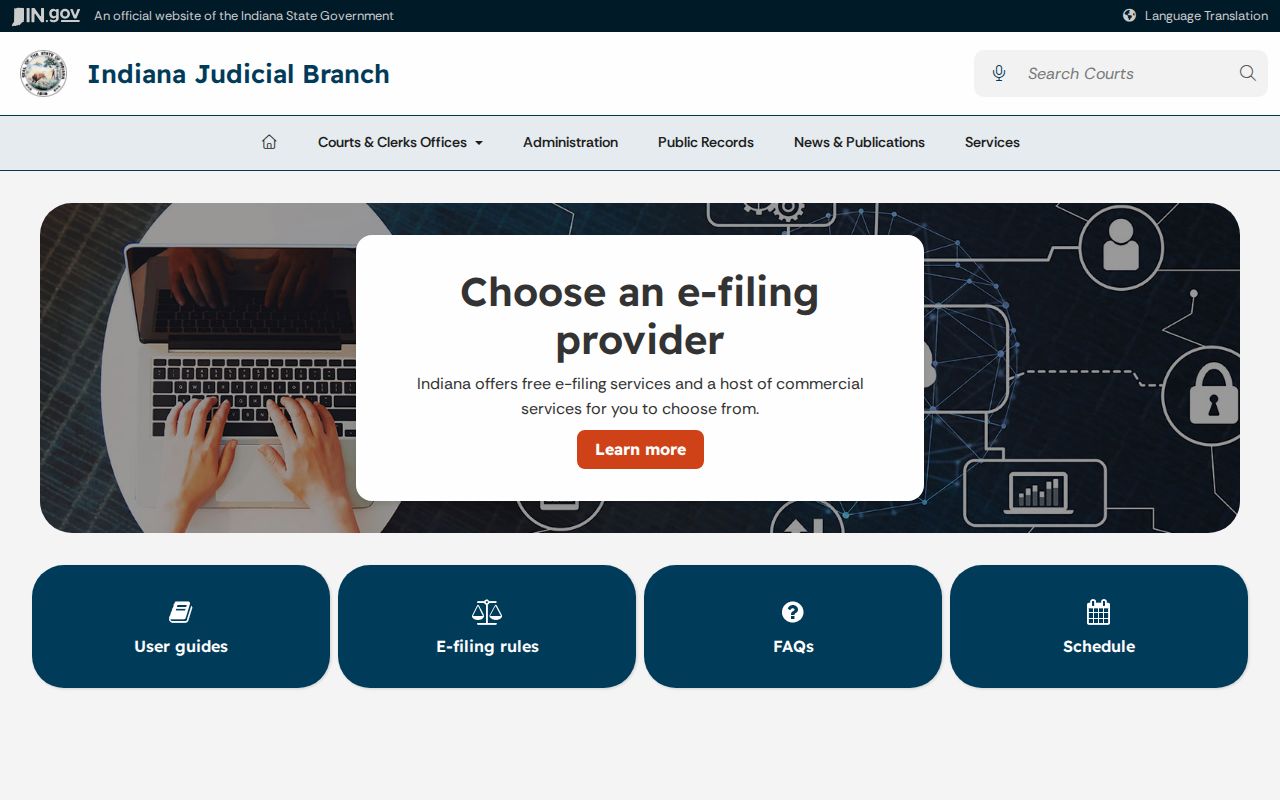
The image shows the statewide filing framework used by Indiana courts, but e-filing is not a public ticket search. Members of the public use ePay and MyCase, while authorized filers use certified provider tools.
The practical Rush County fallback chain is citation, ePay UTT search, MyCase citation or case search, assigned court phone, and Clerk Room 209. Each step answers a different question, from locating a new ticket to obtaining an official copy.
Rush County Ticket Checklist
Before calling, gather the paper citation, UTT number, full name as written, date of birth, the issuing agency shown on the ticket, and the appearance date. If MyCase has assigned an AR8 number, copy it exactly and note whether it begins 70C01 or 70D01. That court code tells staff which Rush County traffic docket to check and avoids routing an even-month case to Superior or an odd-month case to Circuit.
Ask a narrow question. For a missing new citation, ask whether it has been filed and when the court expects it to appear. For a date question, ask whether the setting on the citation remains current and whether a later order reset it. For payment, ask whether the ticket is eligible for ePay and what amount the live court record shows. For a copy, identify the exact public order or chronological summary and state whether a plain or certified record is needed.
Keep proof of any online payment and retain the citation until the Rush County traffic case shows its disposition. If the ePay screen rejects payment, do not substitute a city utility portal or send money to an unconfirmed address. Contact the court named by the 70C01 or 70D01 case number. The Rush County Clerk can route a public record request, but the assigned court should confirm how to respond to the citation itself.
A transfer or correction may produce later events. Read the newest MyCase entries instead of relying only on the first hearing line. The case status, entered order, and latest setting should agree. When they do not, the most recent filed notice and direct court confirmation provide the safest Rush County court-date check.